How to make a free Thrive Apprentice course available to WordPress subscriber?
To grant access to a free course in Thrive Apprentice, the role "Subscriber" must be assigned to the course. 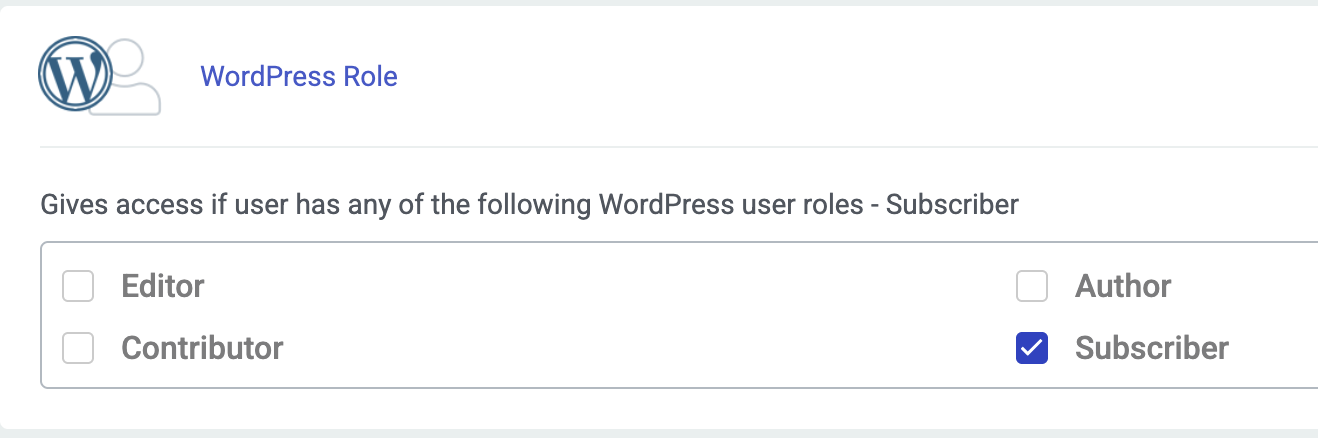
-
Go to:
Thrive Apprentice > Product >...> Access Requirements > WordPress
- Mark "Subscriber"
- Check if the access requirement works.
Note: This only applies to free of charge courses.